> ## Documentation Index
> Fetch the complete documentation index at: https://help.emotive.io/llms.txt
> Use this file to discover all available pages before exploring further.
# Alia
> Learn how to sync Alia Pop-ups signups to Emotive.
This article will provide steps on how to setup your Alia Pop-ups to sync your subscriber data into Emotive and enter them into a Welcome Flow.
## Create your List Growth API in Emotive
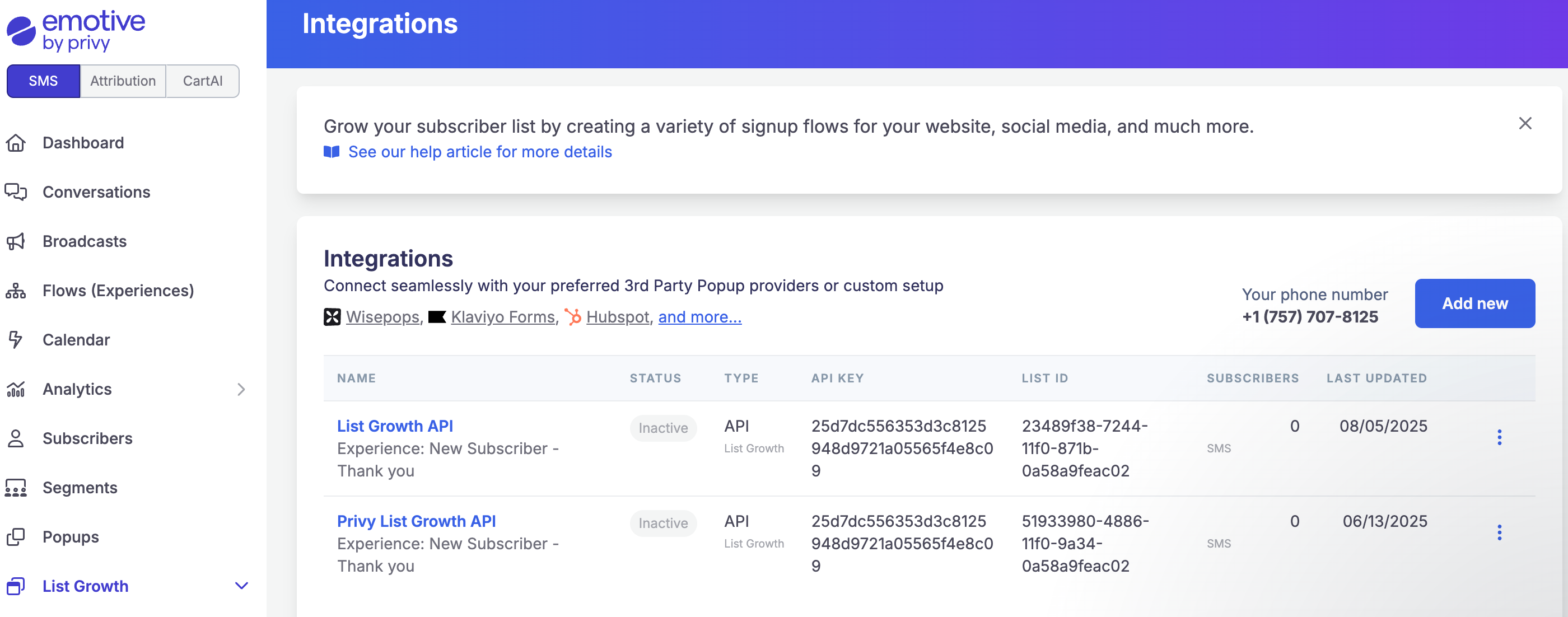
* Navigate to **List Growth** and head to your [Integrations](https://www.emotiveapp.co/list-growth/tools) page.
* Click **Add new**.
* Select **Add new List Growth API**.
* Name your new API something easy to identify, such as "List Growth API - Alia".
* Select which Flow you'd like your new Alia Pop up signups to enter.
* Click **Next**.
* Copy your new API's "API KEY" and "List ID".
 * Navigate to your account from [Alia Pop-ups.](https://www.aliapopups.com/)
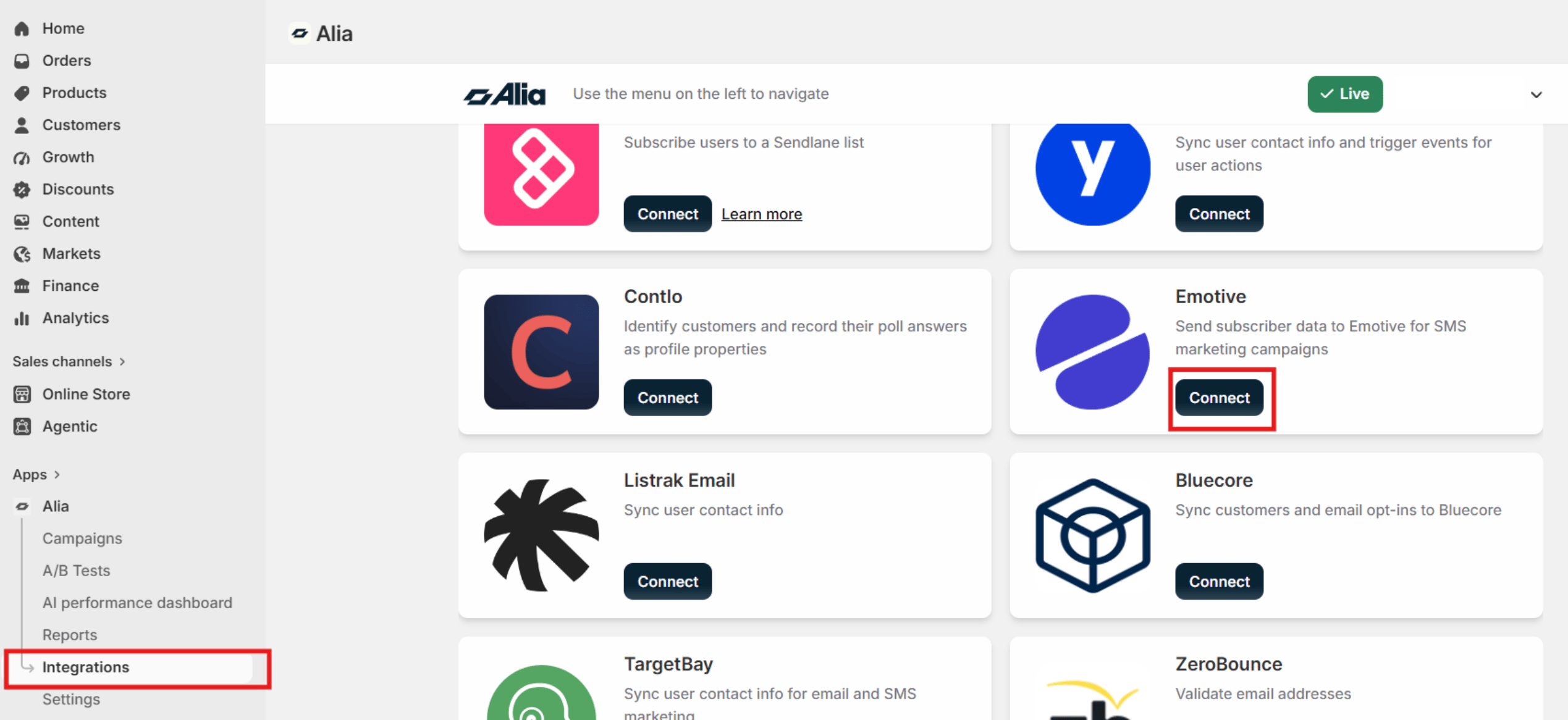
* Go to **Integrations** and locate **Emotive**
* Click on **Connect**
* Navigate to your account from [Alia Pop-ups.](https://www.aliapopups.com/)
* Go to **Integrations** and locate **Emotive**
* Click on **Connect**
 * Enter your Emotive List ID (from the previous section).
* You'll be prompted to select your List ID from Emotive identifying the integration you you created.
* Save and set the integration/flow live in **Emotive.**
That's it! Your Alia Pop-up will start to sync the phone numbers with **Emotive** and trigger your **Welcome Flow.**
### Final notes
* In **Emotive,** each Pop up will connect through a different **List Growth Integration**. If you have more than one **Alia Pop-up** live and integrated, make sure to select the right **Emotive List** for each Pop-up within Alia to ensure it triggers the correct **Automated Flow.**
* If you're integrating an **Alia Mini quiz with Emotive**, the answers will pass to Emotive as **Custom Properties** for you to create segments with.
* Enter your Emotive List ID (from the previous section).
* You'll be prompted to select your List ID from Emotive identifying the integration you you created.
* Save and set the integration/flow live in **Emotive.**
That's it! Your Alia Pop-up will start to sync the phone numbers with **Emotive** and trigger your **Welcome Flow.**
### Final notes
* In **Emotive,** each Pop up will connect through a different **List Growth Integration**. If you have more than one **Alia Pop-up** live and integrated, make sure to select the right **Emotive List** for each Pop-up within Alia to ensure it triggers the correct **Automated Flow.**
* If you're integrating an **Alia Mini quiz with Emotive**, the answers will pass to Emotive as **Custom Properties** for you to create segments with.