Install Kustomer on Emotive
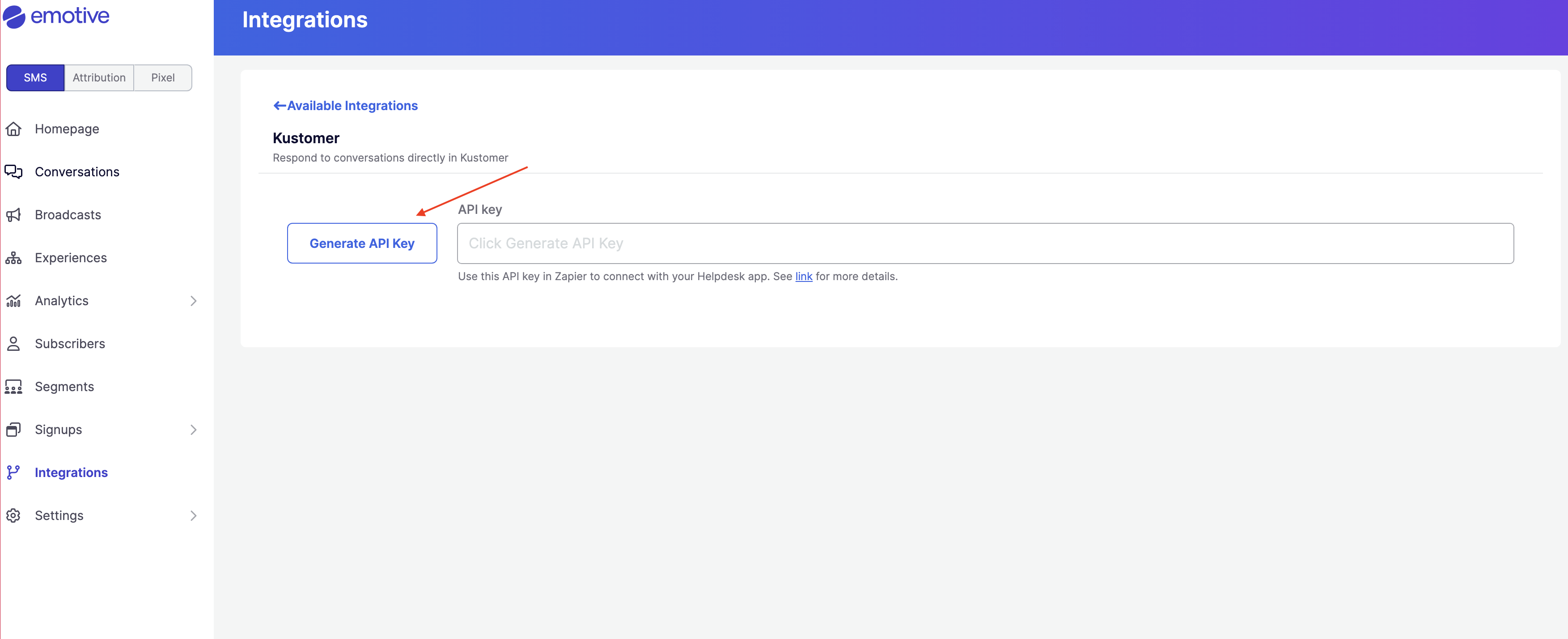
- Navigate to Integrations.
- Locate Kustomer and select Add Integration.
- Click Generate API Key.
- Copy the new API Key on this screen.
Complete Install in Zapier
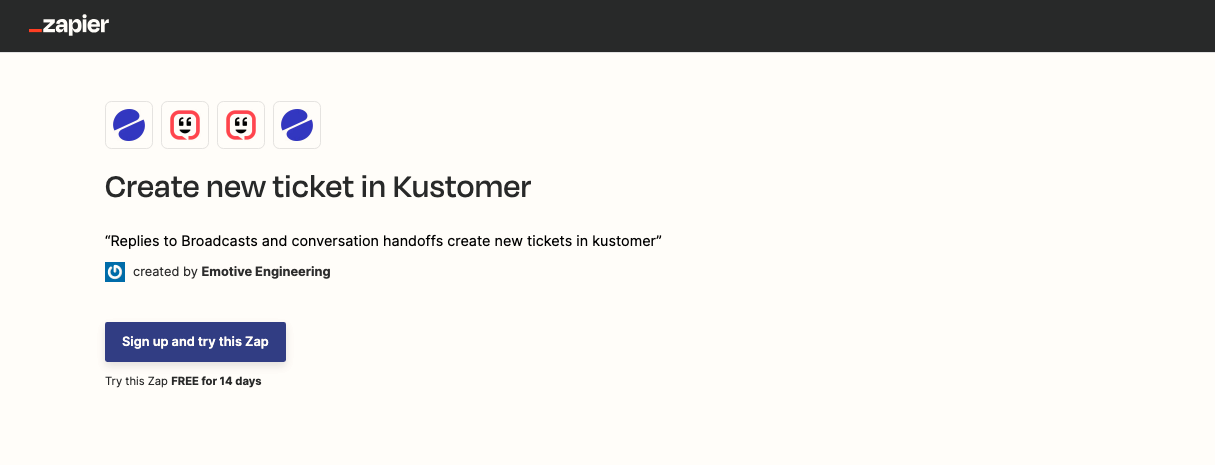
You will need to click into each link below to setup the templates for Kustomer in Zapier:- Zapier - Create new ticket in kustomer
- Zapier - Update existing ticket in kustomer
- Zapier - Update conversation in Emotive
- Zapier - Close conversation in Emotive
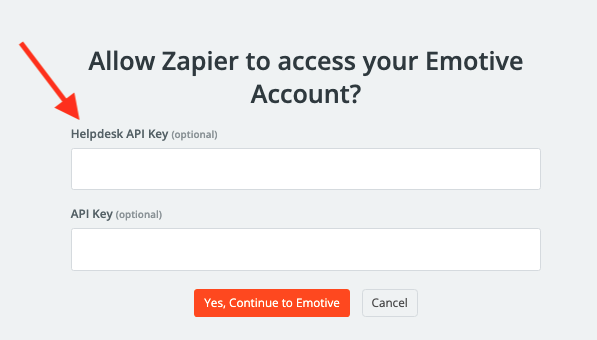
- Paste the API Key that you just generated in Emotive into the Helpdesk API Key field.
- Click Yes, Continue to Emotive.
- If needed, input your Kustomer credentials to authenticate.