Features of the Integration
Upon installation, Loyalty Lion will sync the following fields to Emotive as a backfill:- merchant id
- rewards claimed
- points spent
- points approved
- birthday
- loyalty tier membership
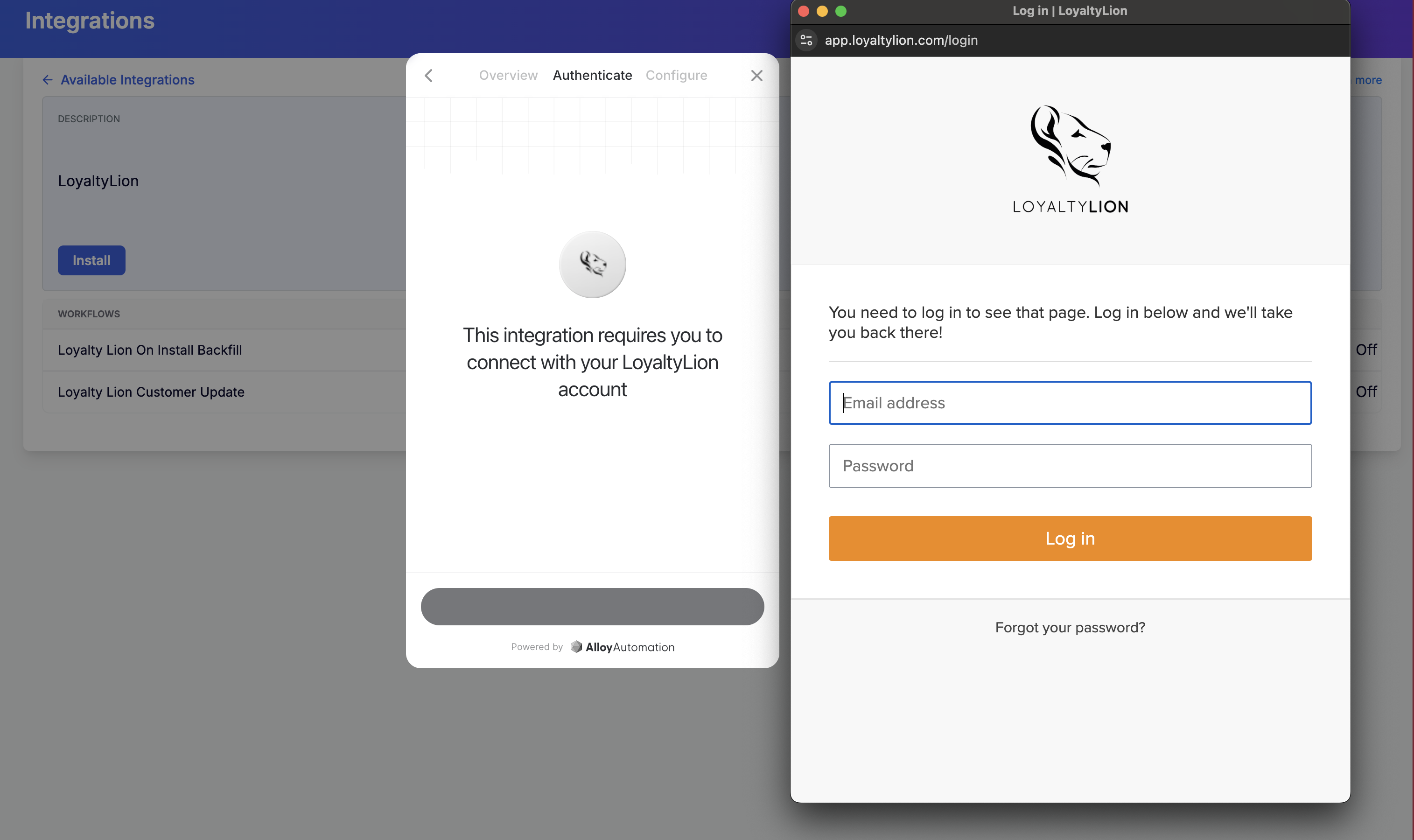
Install Loyalty Lion in Emotive
- Navigate to Integrations.
- Locate Loyalty Lion and select Add Integration.
- Click Install.
- Input your login credentials and select Finish.