Note: We can only integrate if you’re on the Plus plan or higher with Smile.io. Please contact support@emotive.io with any questions!
Find your API Key in Smile.io
In order to set up the integration with Smile, you must have your Private Key (API Key) handy. To find your API keys, navigate to Settings > Platform in Smile.io.Install Smile.io on Emotive
- Navigate to Integrations.
- Locate Smile.io and select Add Integration.
- Click Install.
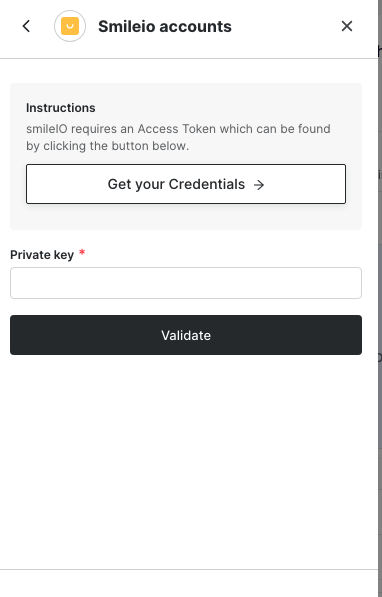
- Enter your Private API Key (from the previous section) into the modal and click Validate.