

Create your List Growth API in Emotive
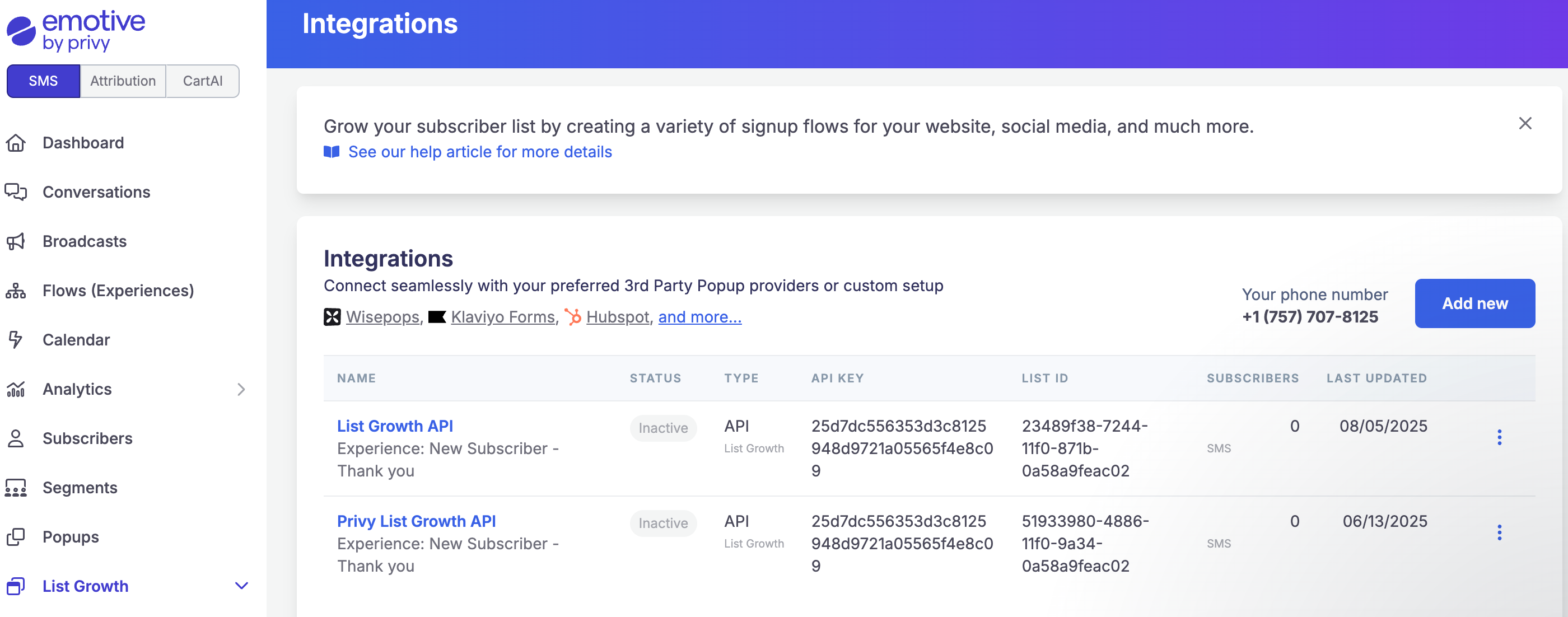
- Navigate to List Growth and head to your Integrations page.
- Click Add new.
- Select Add new List Growth API.
- Name your new API something easy to identify, such as “List Growth API - Alia”.
- Select which Flow you’d like your new Alia Pop up signups to enter.
- Click Next.
- Copy your new API’s “API KEY” and “List ID”.
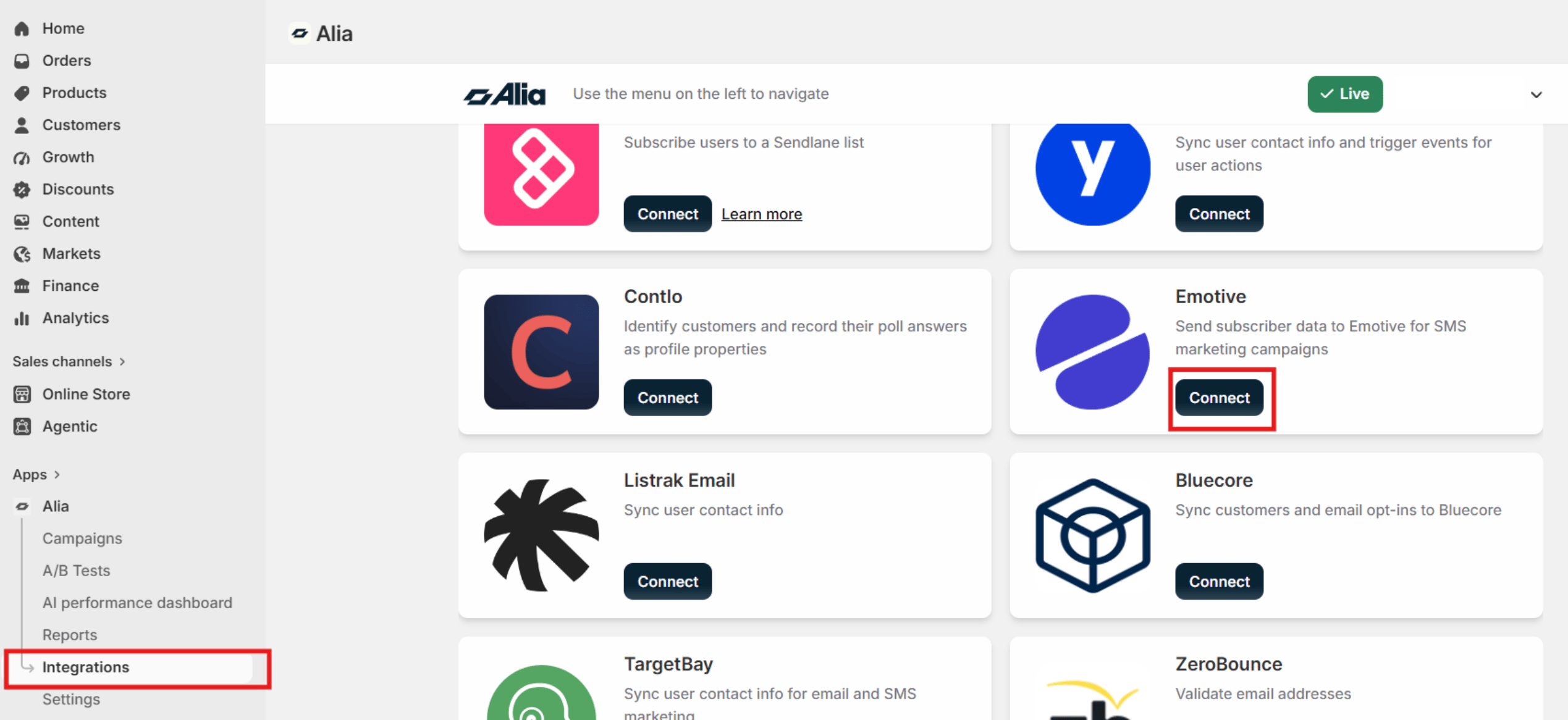
- Navigate to your account from Alia Pop-ups.
- Go to Integrations and locate Emotive
- Click on Connect
- Enter your Emotive List ID (from the previous section).
- You’ll be prompted to select your List ID from Emotive identifying the integration you you created.
- Save and set the integration/flow live in Emotive.
Final notes
- In Emotive, each Pop up will connect through a different List Growth Integration. If you have more than one Alia Pop-up live and integrated, make sure to select the right Emotive List for each Pop-up within Alia to ensure it triggers the correct Automated Flow.
- If you’re integrating an Alia Mini quiz with Emotive, the answers will pass to Emotive as Custom Properties for you to create segments with.