Create Your API Key in Emotive
- Log into Emotive and navigate to List Growth > Integrations.
- Click to add a new List Growth API.
- Name your new API something easily identifiable, such as “List Growth API - Hubspot Forms Sync”.
- Under Welcome Message, select the Flow you want your new subscribers to receive after signing up.
- Click Next.
- Copy your new List Growth API’s List ID as shown below.

Install Hubspot Forms on Emotive
- Navigate to Integrations in your Emotive dashboard.
- Locate Hubspot Forms and select Add Integration.
- Toggle ON “Hubspot Forms Sync #1”.
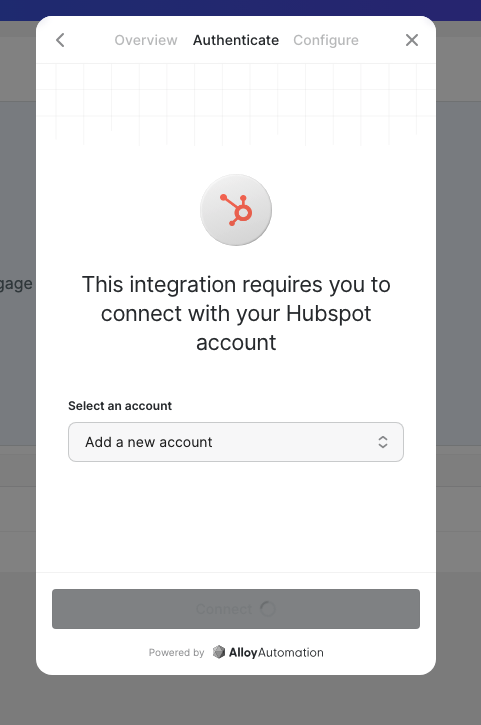
- Select your Hubspot Forms account, insert your credentials to connect.
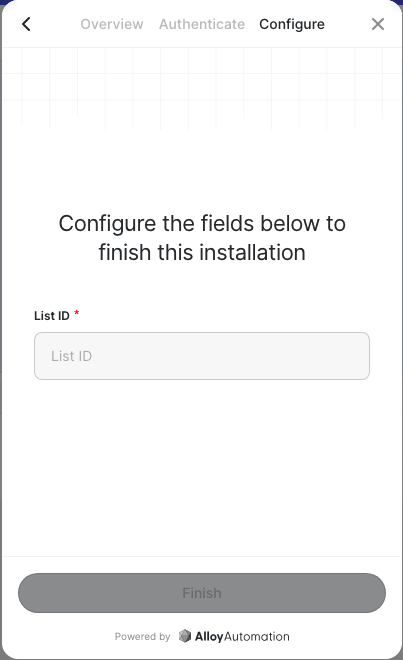
- Paste your **List ID **from your new Emotive List Growth API.
- Click Finish.