

Accessing Your Billing Reports
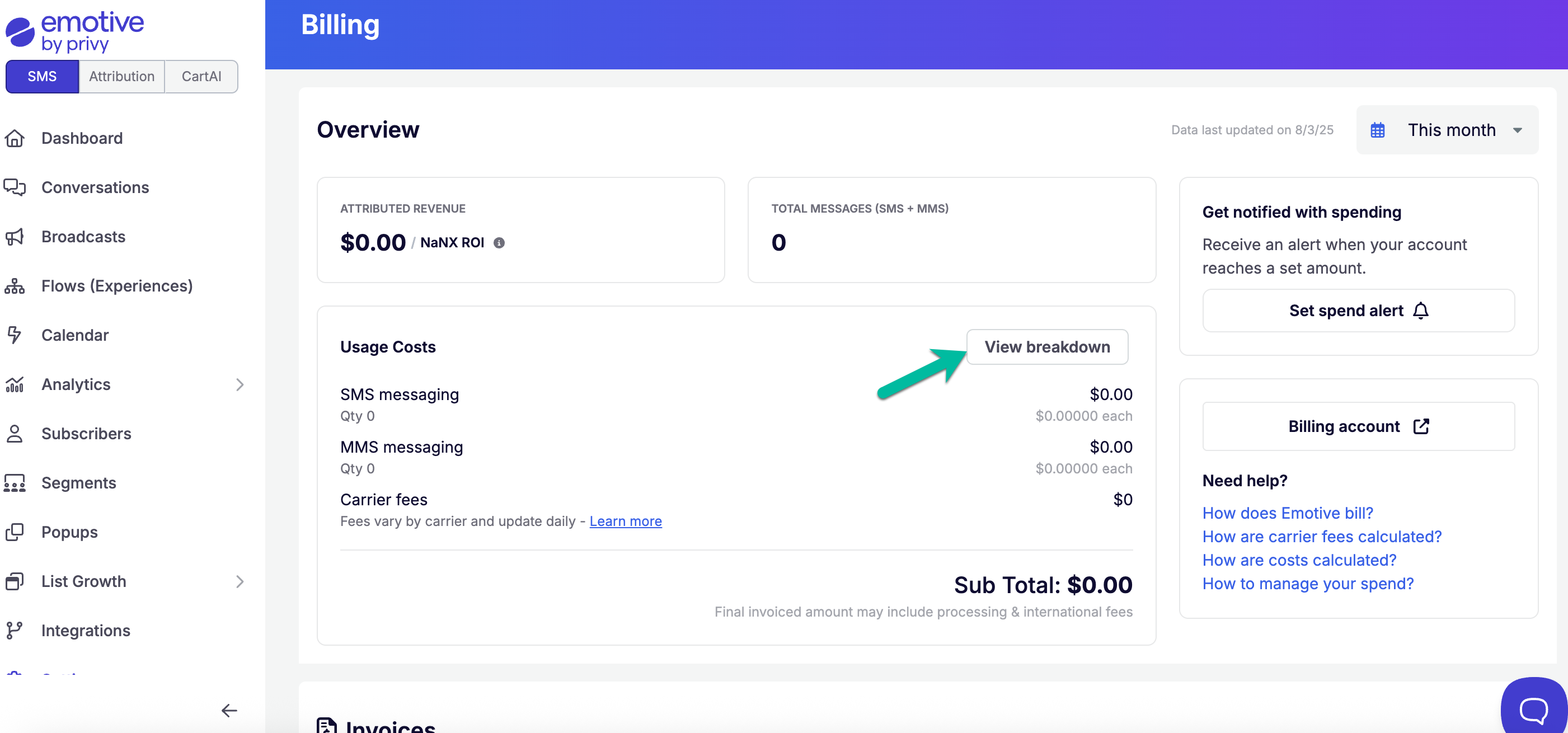
To locate your itemized billing reports:- Head to Settings in your Emotive dashboard.
- Navigate to your Billing settings.
- Click View Breakdown.
FAQs
Can I export the itemized billing data from the UI?
Can I export the itemized billing data from the UI?
We cannot export the reports at this time.
Can I view a break down of messaging data per Experience?
Can I view a break down of messaging data per Experience?
We currently do not provide a break down of messages per Experience.
How are Carrier Fees calculated?
How are Carrier Fees calculated?
Learn more about Carrier Fees here.