

Choose your domain provider
- Squarespace
- Other domain providers
- Purchase your domain in Squarespace.
- In your domain settings, go to Website > Domain Forwarding.
- In the Enter Website URL field, enter
https://yourbrand.emotv.net. - Open Advanced settings and select the options below:
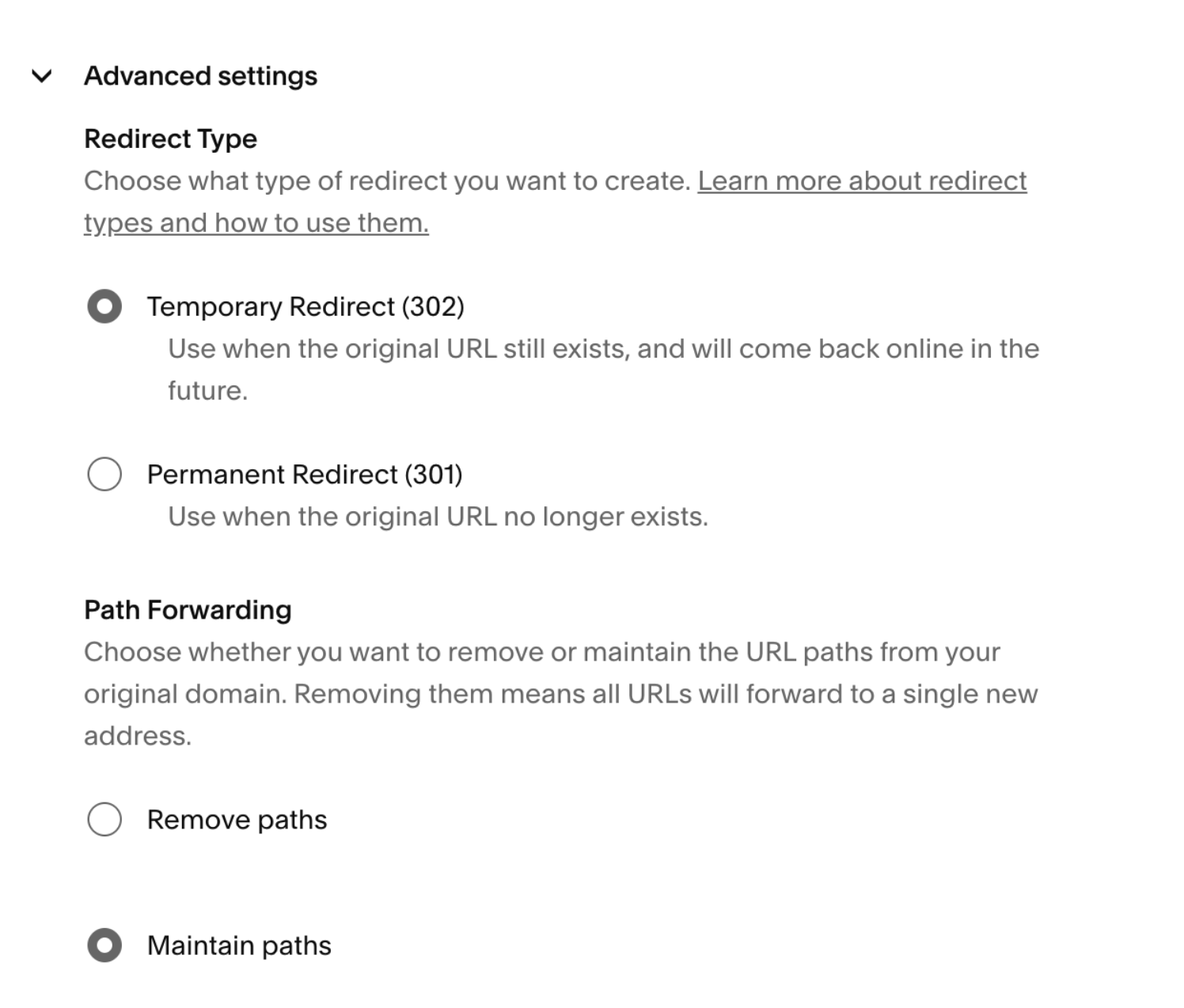
- Save the changes.
Let us knowOnce the redirect is set up, send your Customer Success Manager or support@emotive.io the domain you purchased and the URL you set the redirect to.Your links will start using the new domain once we update and test it on our end, so you’ll need to notify us and wait for our confirmation before you start texting.