

Connect your Omnisend Account
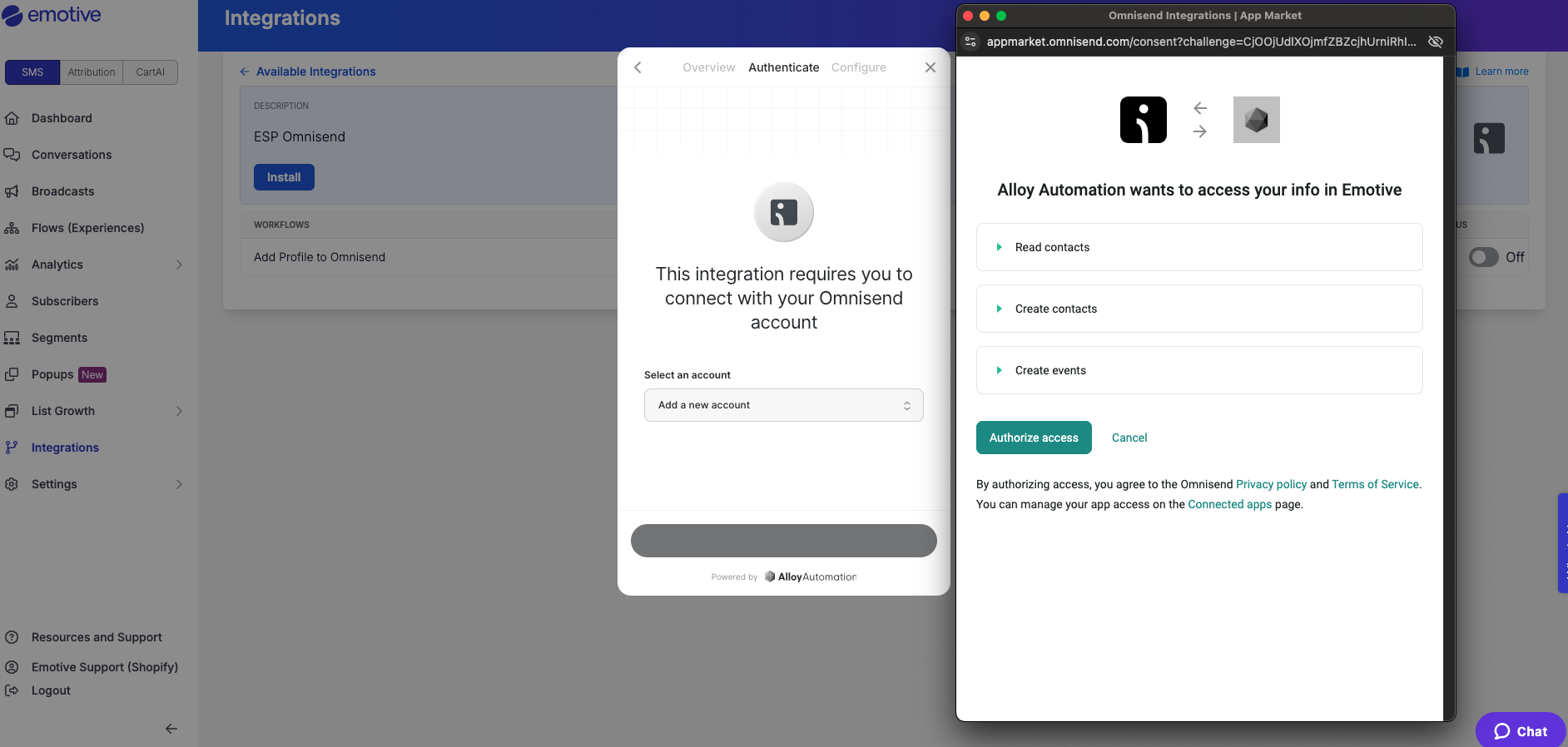
To get started:- Navigate to Integrations in your Emotive dashboard.
- Locate Omnisend and select Add Integration.
- Select Install.
- Input your account credentials to authenticate.
Sync Signups to Omnisend
To sync new signups to Omnisend:- Navigate to your Popups in your Emotive dashboard.
- Head to the Configure step of the desired popup.
- Select Omnisend from your integrations and Save.